Oh, so that's how you get those images
Pick, stack, and tune the effects for the desired level
of eloquence for your feed
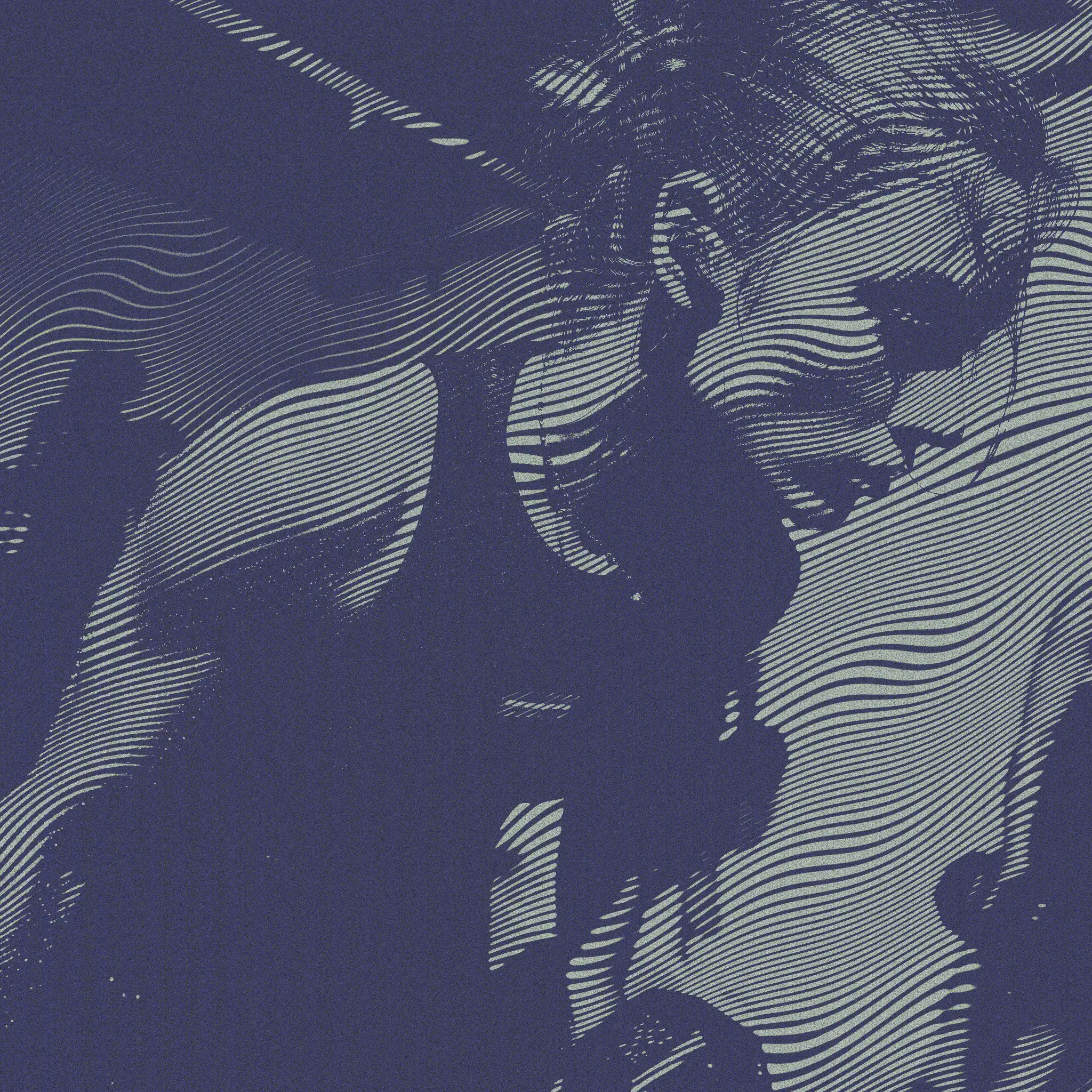
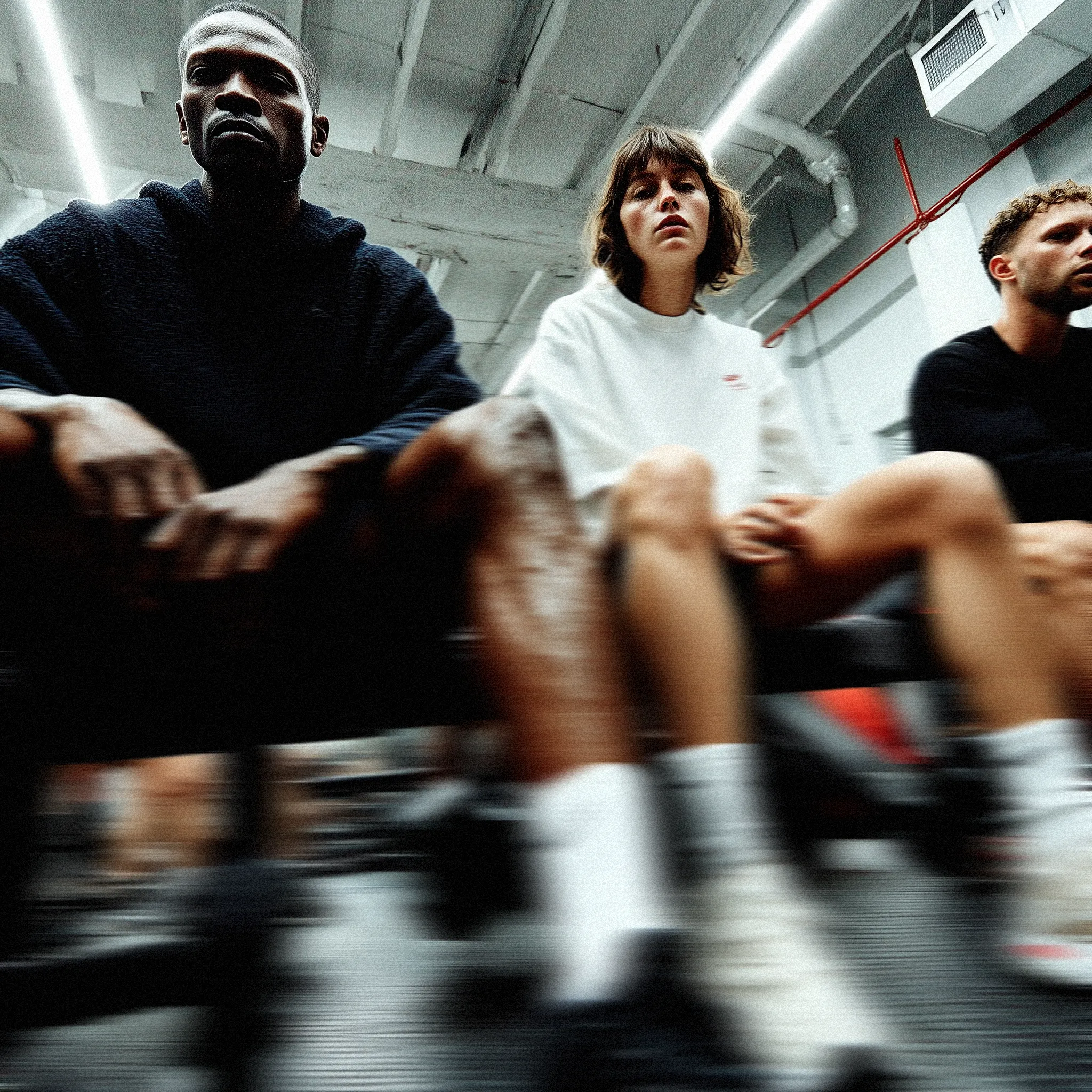
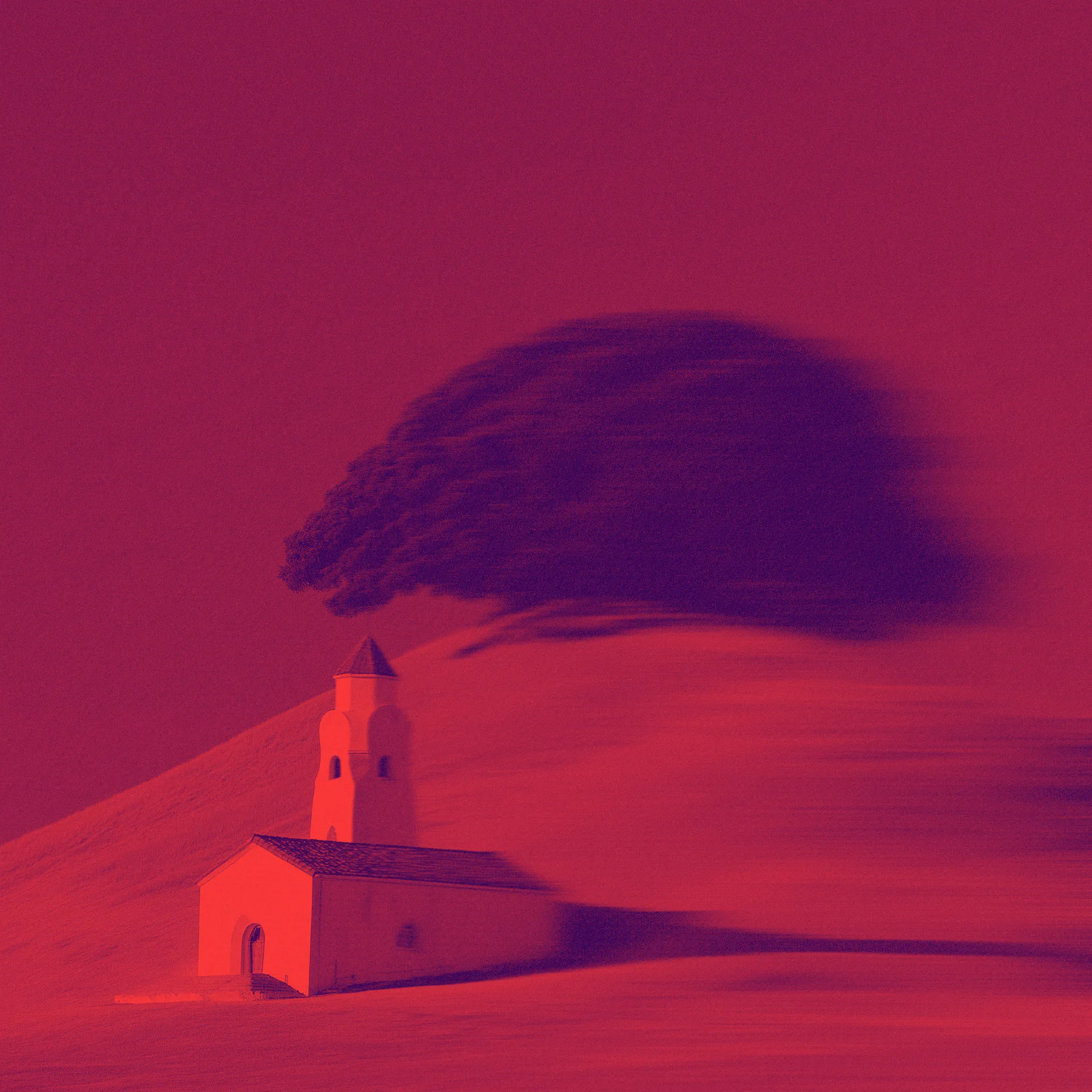
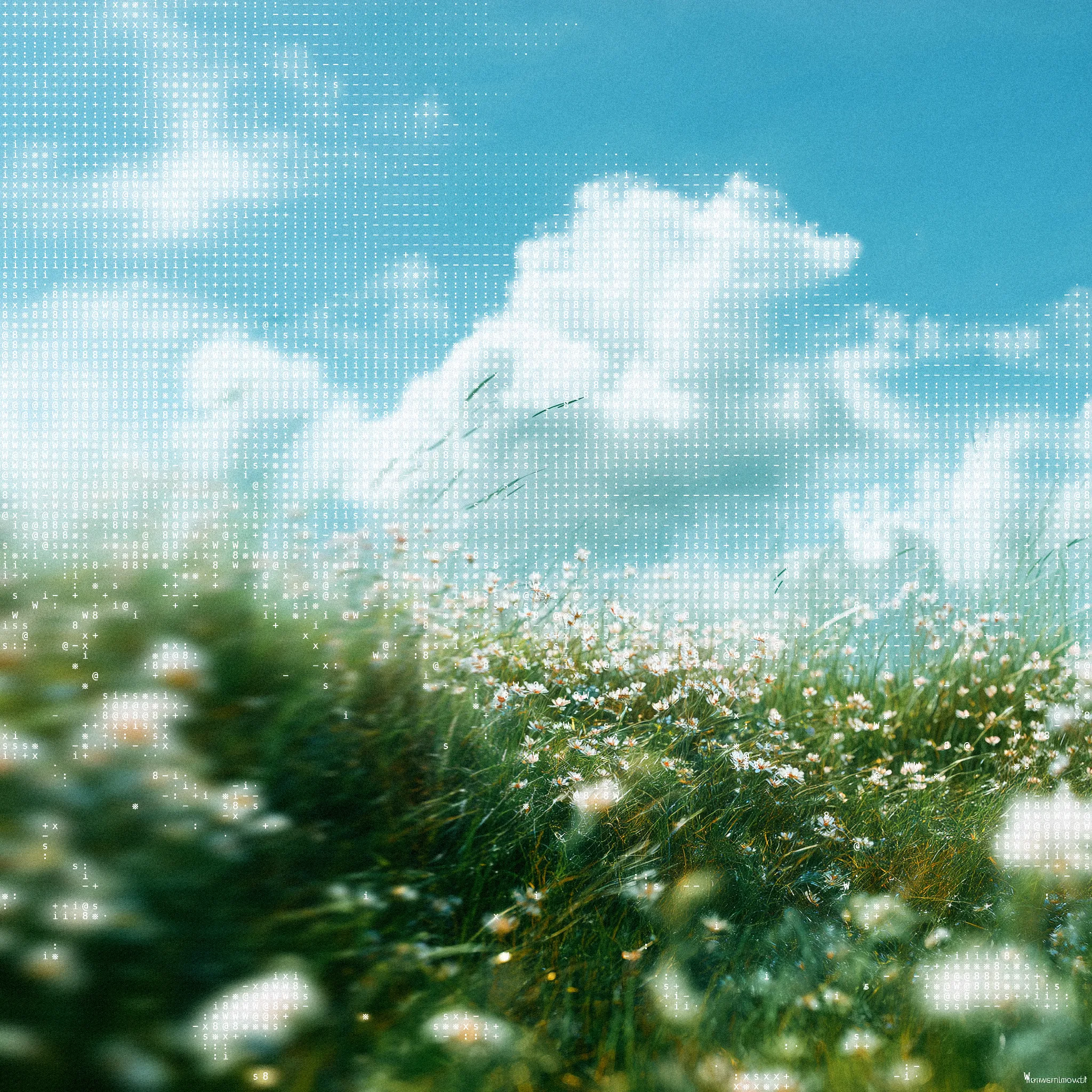
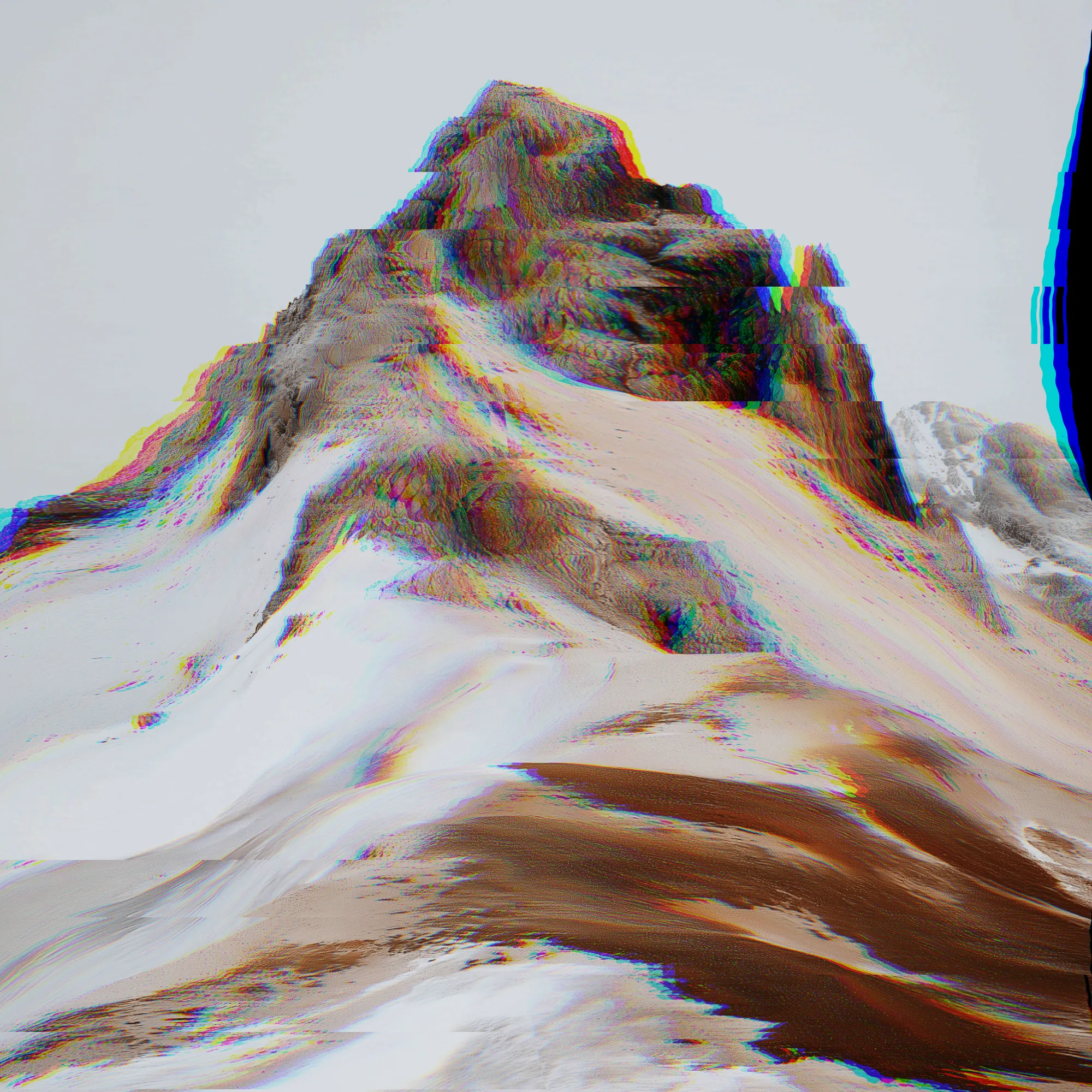
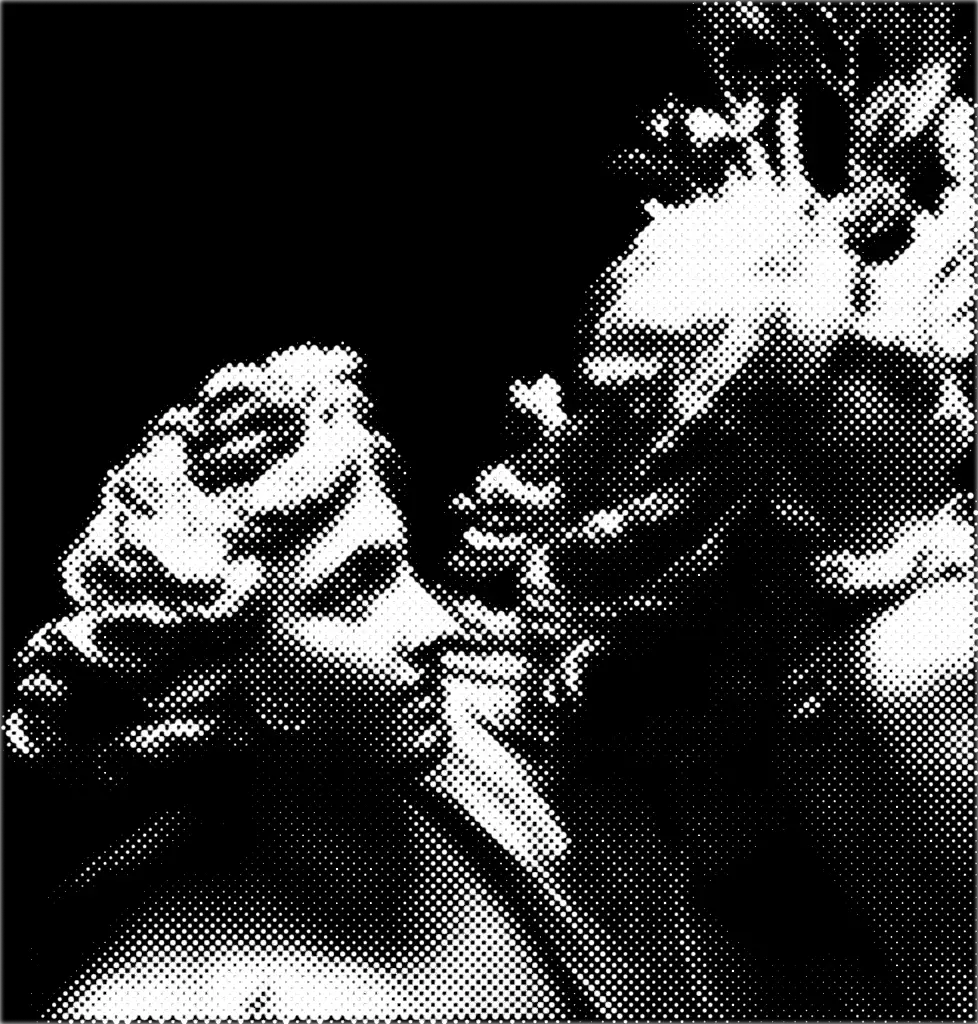
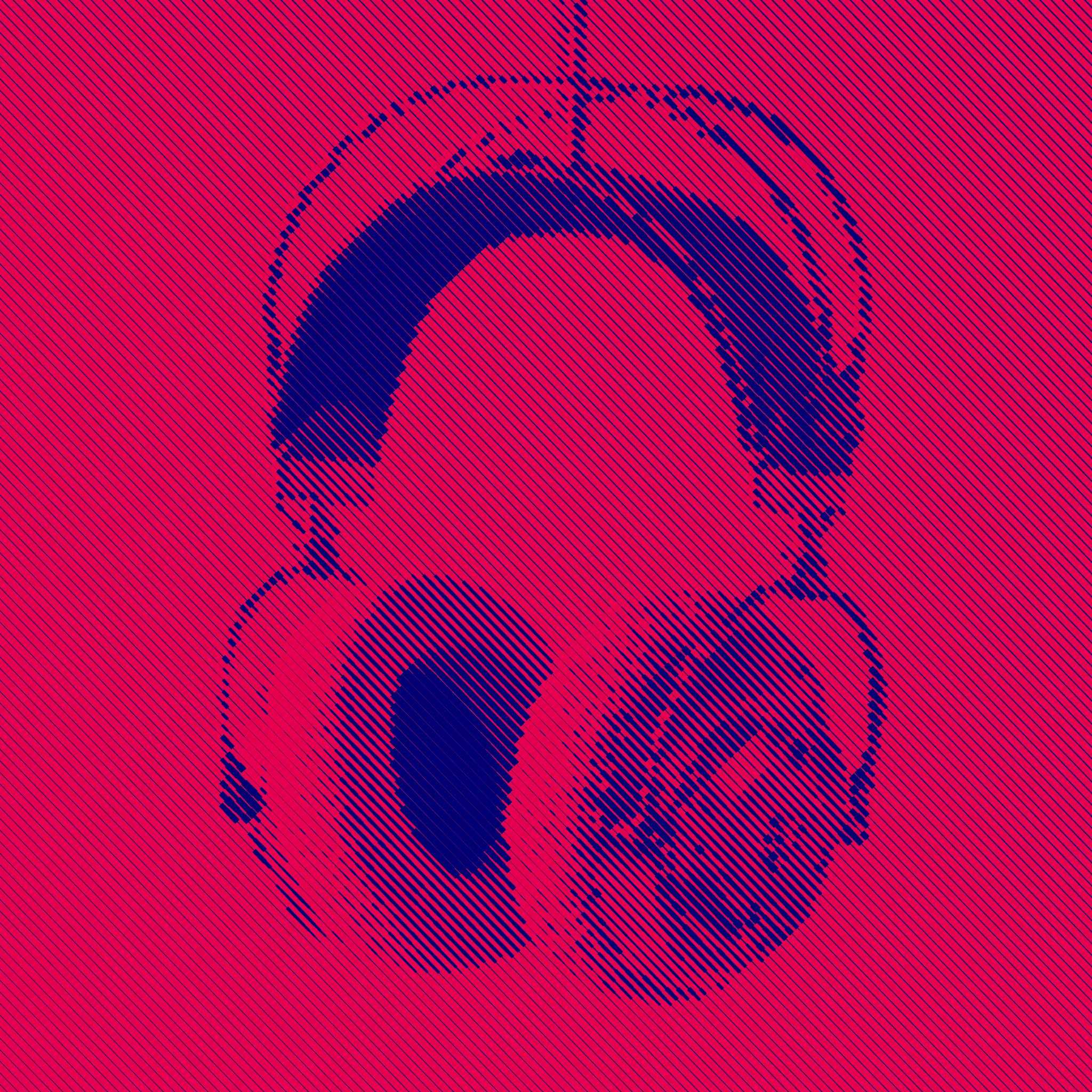
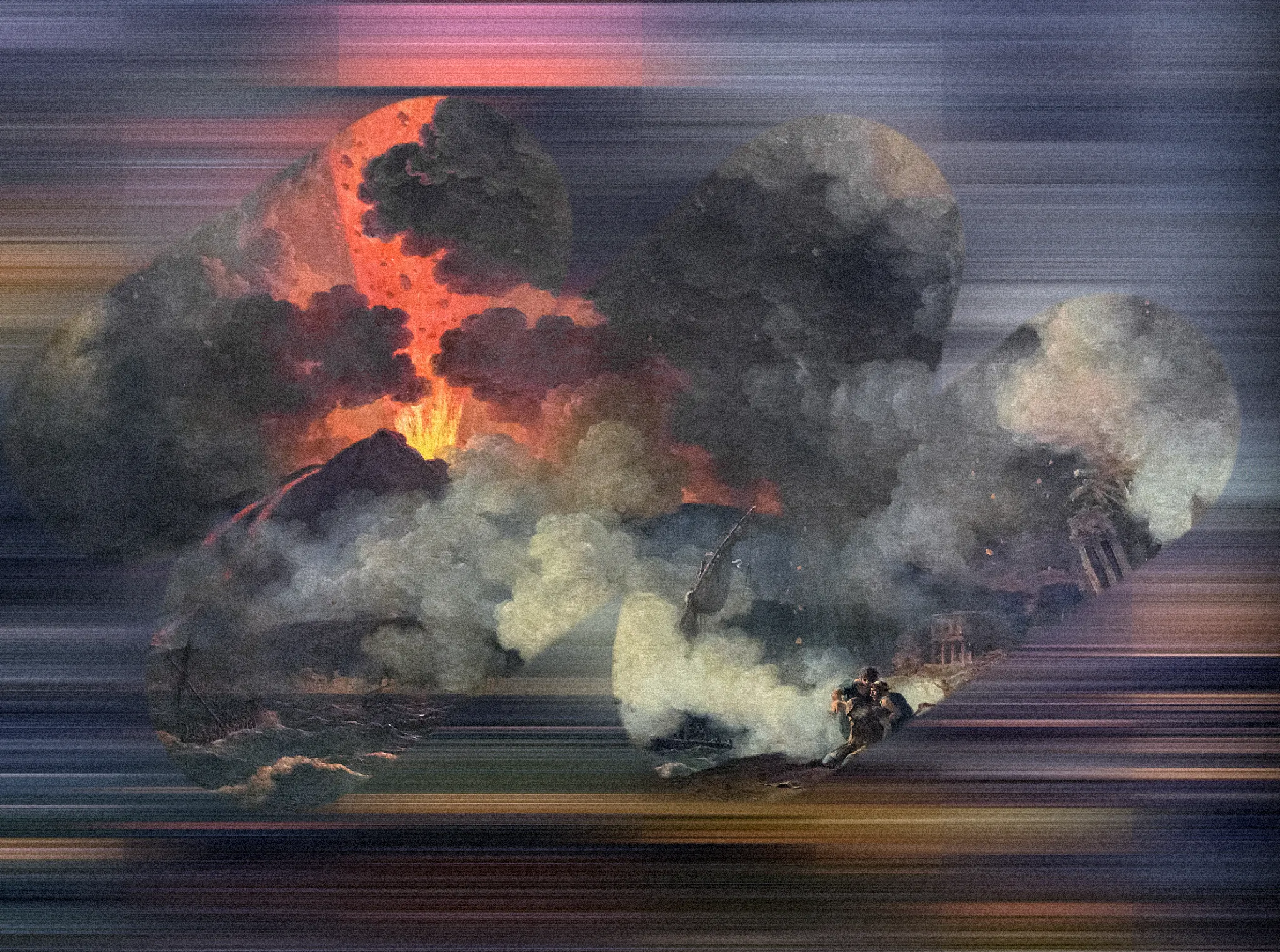
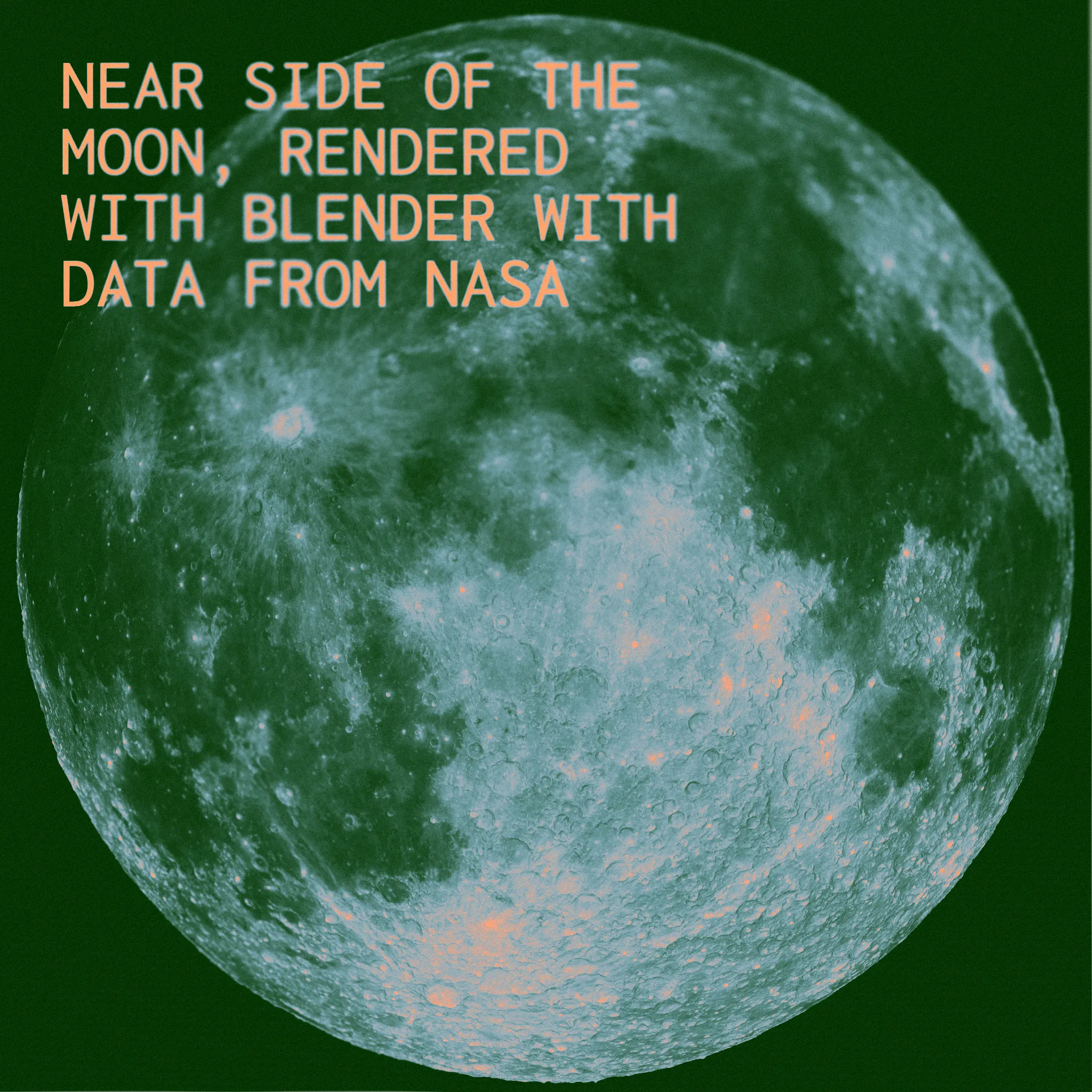
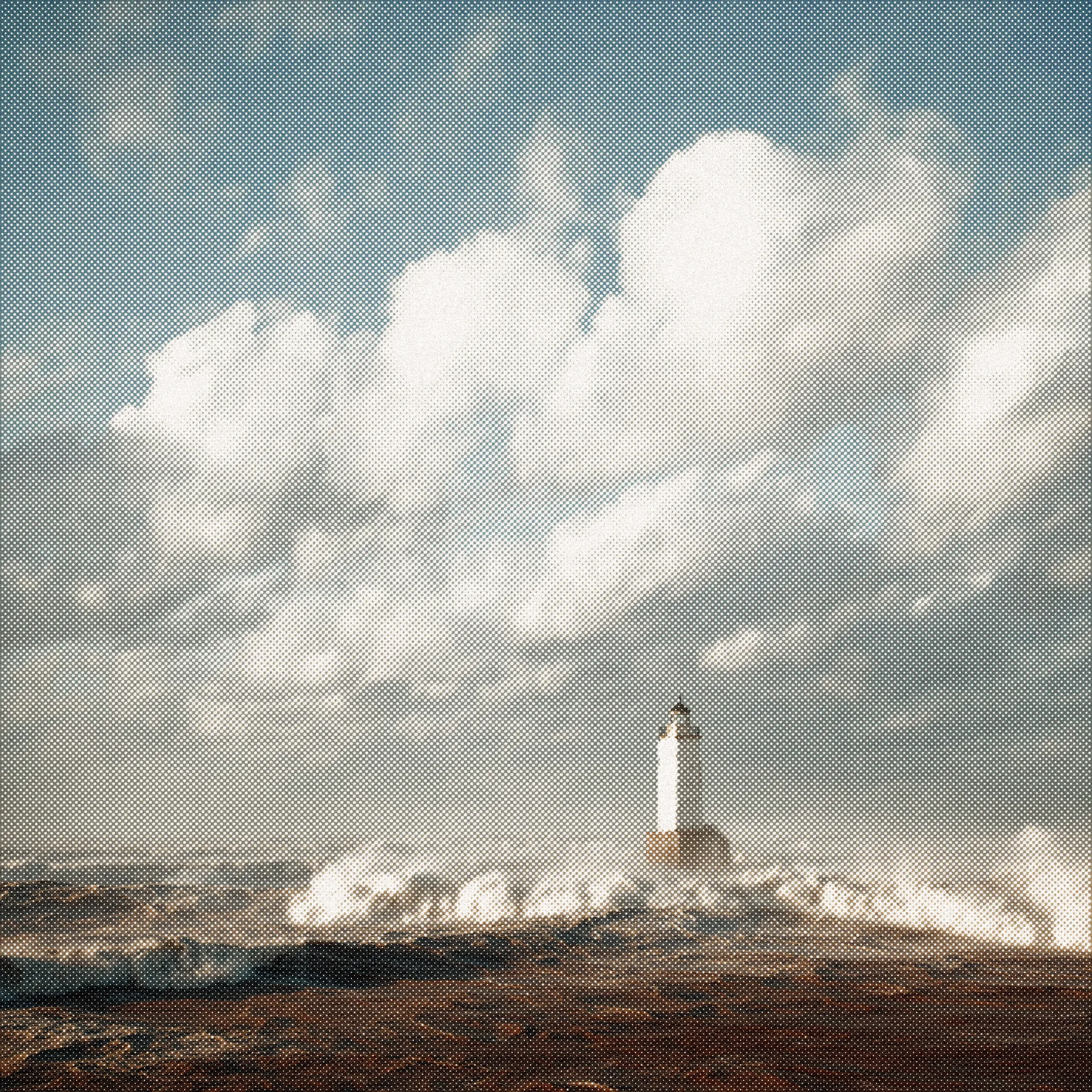
Build Your Stack
Start with a preset or create your own by selecting modules. Each module has adjustable parameters, and the order in which you stack them matters.
Tip: Halftones look better if you blur a bit the layer under.
Add Your Images
Once you're happy with your set, paste or upload the next image. It's a way to unify looks of several midjourney outputs.
Tip: Cmd/ctrl+C works as well
They can move
Animate your modules by adjusting parameters in the Animate tab. Preview your animation and export it as an MP4.
Take it to code
The editor runs on @kkrll/shaders, an MIT-licensed WebGPU package. Hit Copy as code and the same look runs live on your own canvas — on your site, in your app, or in a Node script that renders a whole folder.
View on npmimport { createEffectStack } from "@kkrll/shaders";
const stack = await createEffectStack(canvas);
await stack.setImage("/photo.jpg");
const [dither] = stack.setEffects([
{ module: "dithering", values: { type: 4, pxSize: 3, colorSteps: 2 } },
{ module: "dualtone", values: { colorA: "#121211", colorB: "#2f2d26" } },
]);
canvas.onpointermove = (e) =>
dither.set("pxSize", 2 + Math.round(e.offsetX / 160));I mean, give the bicycle a ride
It'll be fun.
Free for the basics, including 2 saved presets. —/month for unlimited saved presets.